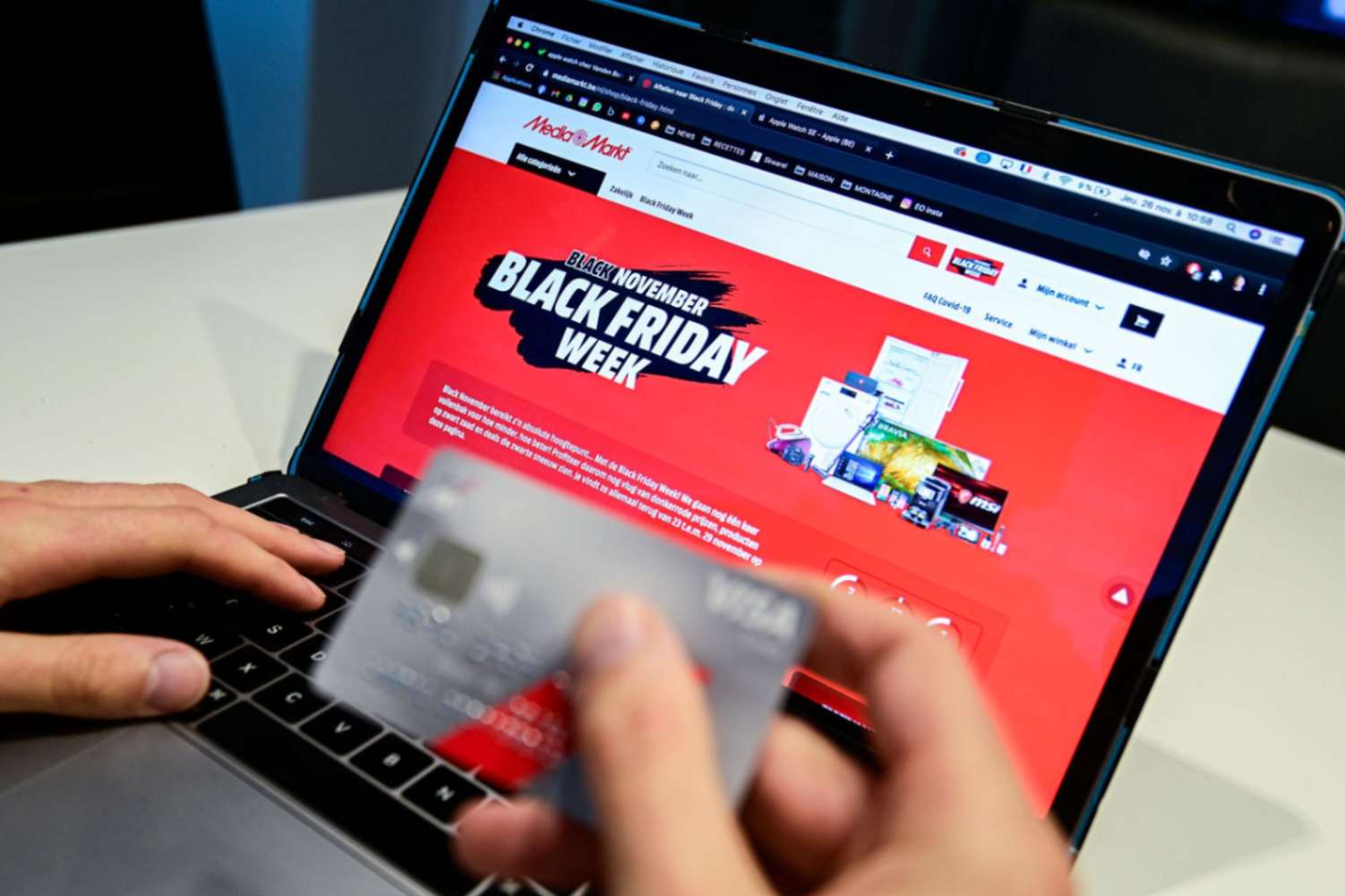
November 25, smack-dab in the middle of Black Friday weekend, a merchant takes to Reddit in a panic:
“My Black Friday/Cyber weekend is going horrendously bad. Down 60% from last year, that bad. It’s giving me vomit inducing anxiety as I brought in extra stock for this sale and now it’s gonna be hell to pay them off. I know it’s late but is there anything I can do to turn it around?”
The merchant had already committed money to extra inventory, and the sales they were counting on were falling far short of expectations. Then came an update - a customer had called to report a checkout error. The merchant suspected Shopify’s new one-page checkout was costing them sales because of bugs that had slipped through before release.
You can see why this was adding to the panic. With sales already down, they now had a concrete problem to investigate, and little time to work out whether anything else in the store was also going wrong.
.jpg)
Simply put, Black Friday has a way of exposing the assumptions buried in your otherwise perfectly functional campaign. With multiple discounts, apps, inventory rules, shipping settings, and customer promises all working together, even a minor mismatch can have serious consequences.
So, before the holiday rush hits your store, here’s a checklist to give your logic one final sanity check to save you from undoing months of prep.
During Black Friday 2024, a viral TikTok video showed a shopper wandering through Home Depot, peeling back "Black Friday Deal” stickers on shelf tags. Underneath the flashy sale tag for a $24.97 tool sat... the exact same everyday price tag: $24.97. The video racked up over half a million views and a comment section full of furious shoppers.
.jpg)
In e-commerce, your version of that fake sticker lives quietly in a database field called compare_at_price.
That strike-through price might have been imported during a platform migration, set by an automated pricing app, or left behind by a summer promo everyone forgot about. But come late November, it becomes a public claim about how much money your customer is saving. And today, the entity double-checking that claim could be your customer’s AI shopping agent scraping four competitor tabs in milliseconds and cross-referencing historical price data across the web.
Always remember- the internet never forgets.
Can you actually substantiate the “original” price behind every slashed tag?
If you sell to customers in California, for instance, California Bus. & Prof. Code § 17501 requires that an advertised former price was the prevailing market price within the preceding three months, unless your ad explicitly dates when that price applied. Slashing a price that was never actually charged can become a compliance headache.
Stress-test your offers in a real cart
Go to your site and act like a bargain hunter:
Shopify resolves discounts based on strict type and combination rules. Two promo rules can collide in a live cart to produce a payout threshold or margin dip you did not intend.
When you see the final cart total, run that number against your true landed costs - payment gateway fees, pick-and-pack fulfillment, and the peak carrier surcharges that kicked in back in late September. Also make sure any mandatory costs are already baked into the advertised figure.
Might even go to the length of asking an AI agent to figure where your formal discount rules can be manipulated, and plug those holes before someone else does.
Open your scheduled Black Friday promotional emails right next to your Product Detail Pages (PDPs) and checkout screens.
The discount percentages, eligible SKUs, and spending thresholds must match verbatim across all three. Shoppers don't experience your brand in a neat, linear sequence, they hop between social ads and cart in whatever order they like. Any friction or discrepancy between what the email promised and what the cart calculates will instantly feel like a bait-and-switch.
Nothing crushes the euphoric high of the first few sales quite like realizing the payment did not go through. This is what one merchant learned after dutifully shipping a "Paid" order. Apparently, their payment gateway was still stuck in test mode.
“I thought I had run all the tests prior to launching,” they posted on a forum. “Clearly this mode was left on.”
The core problem? Most internal test orders are way too straightforward where you log on from Wi-Fi, select a clean SKU, type an immaculate address, and sip tea while watching it sail through checkout.
Your Black Friday shoppers, however, may as well be scrolling on 1 bar of cellular signal, pasting expired codes from sketchy deal forums, and hammering their address into a cracked iPhone screen with frantic thumbs.
So before the rush hits, go place the messiest order you can invent:
When an AI assistant or a Google Merchant Center feed scrapes your catalog, it pulls whatever structured data it finds. If an automated app, a past migration, or an old summer promo left your feed out of sync with your live product detail pages, you’re setting a trap for yourself.
About two months ago, one merchant discovered this when a customer asked them to match a price ChatGPT had quoted for a jewellery set:
“Had someone message through the chat widget last Sunday asking if we could match a price ChatGPT gave her for one of our sets, she said it told her $24, ours is $34 now. Told her that price has not existed since a sale we ran way back when we first launched, she got annoyed and left without buying.”
So your product page can be perfectly accurate while an outdated source elsewhere tells a different story. Look for stale prices and inconsistent sale information, then try correcting the underlying source.
To round out your check, also run your return and cancellation policies through an AI tool yourself. Ask it to act like an adversarial shopper looking for loopholes, contradictions, or ambiguous language. It takes two minutes to spot a policy gap that could otherwise cost you thousands during peak return season.
The trickiest part of holiday logistics comes down to an annoying double standard where shoppers hold you strictly to your promised delivery dates, but carriers rarely hold themselves to theirs.
So before turning the traffic faucet on, it pays to double-check a few operational realities:
Verify lead times for your bestsellers with suppliers now. Verbal promises tend to crumble when factory floors and regional distribution hubs get backed up.
Temporary holiday price increases for USPS Priority Mail and Ground Advantage run through mid-January, while peak demand surcharges from UPS and FedEx have been shrinking margins since late September. If your free-shipping threshold was calculated using summer rates, that same threshold can eat your profits alive in November - all while your inbox fills up with 'Where is my order?' tickets.
Most carriers modify or suspend their money-back on-time guarantees during peak weeks. So knowing which tiers are affected prevents a carrier delay from turning into an out-of-pocket refund on your end.
Give your fulfillment team breathing room by setting your published order deadlines a few days ahead of official carrier cutoffs.
Under the FTC Mail Order Rule, you need a “reasonable basis” for any shipping timeframe you promise. If an unexpected delay pops up, the rule requires you to notify the customer, give them an updated delivery estimate, and offer a full refund if they’d rather cancel.
On June 3, 2026, Shopify suffered a roughly two-hour outage affecting storefronts, checkout, admin, Retail POS, and access to support. Some customers saw the message “This store does not exist” when trying to visit merchants’ websites.
While things like this can feel out of control, what you can do is resist the urge to tinker with a store that's already working. Hold off on new apps, theme edits, and checkout changes unless there's a genuine problem to fix. The last thing you need is a shiny new feature breaking the discount code you've spent weeks promoting.
.jpg)
Before Black Friday, decide who can pause paid campaigns if checkout breaks. Save a customer-facing outage message somewhere outside your Shopify admin, and make sure whoever covers the inbox can answer questions about order status, delivery, cancellations, returns, and damaged products.
While you're at it, test the emails customers rarely think about until something goes wrong: order confirmations, shipping notifications, and tracking links. Clearly state your holiday return window, including the dates and conditions.
While you're checking every discount designed to shave money off an order, take a look at the one add-on that could bring incremental revenue in - product protection.
If you sell electronics, appliances, fitness equipment, or other products people would rather not replace or repair out of pocket, an extended warranty gives customers another reason to feel comfortable buying. And unlike another 10% off coupon coming right out of your pocket, it creates incremental revenue for you and added assurance for the customer.
SureBright can get eligible merchant setups live in as little as 10 minutes, with zero upfront cost. Leading brands like Sennheiser show why it’s worth considering. With SureBright, it achieved attach rates above 28% to 31%, average order value increased by nearly 2%, and category returns fell 26% year over year.
If you haven't enabled product protection yet, this option is worth investigating before the holiday rush. You may have another revenue opportunity sitting inside the checkout you're already driving traffic to.
As soon as Saturday morning you will have a list of people who reached the payment page and stopped. Roughly seven in ten carts end that way on a normal day, and Black Friday is definitely not a normal day.
At this stage, I will ask you to question the reflex to chase them with a bigger discount because you already discounted on Black Friday and perhaps started much before that.
So check what your existing abandoned-checkout flow is actually sending. Confirm the links still work, the incentive still applies, and the recovery code does not land on top of a sitewide promotion and hand someone a combination you never priced.
Then ask whether a lower price is really what stopped them. Shoppers hesitating over a $400 item on a credit card they will see again in January are often weighing what happens if something breaks.
If breakdown is a concern, then SureBright’s Abandoned Cart Recovery feature can help you right away. You open a captured checkout, prepare an offer that makes a protection plan free or cheaper, edit anything you want, and send it as a Shopify invoice.
You only have a short time before Black Friday to see how this works for your store.
.jpg)


.jpg)